SK Vision KYC
Screen your customers against official lists.
SK Vision KYC checks your customers, people or companies, against official sanctions lists. It shows each possible match beside your customer, with its evidence, and keeps a record of who decided what.
How it works
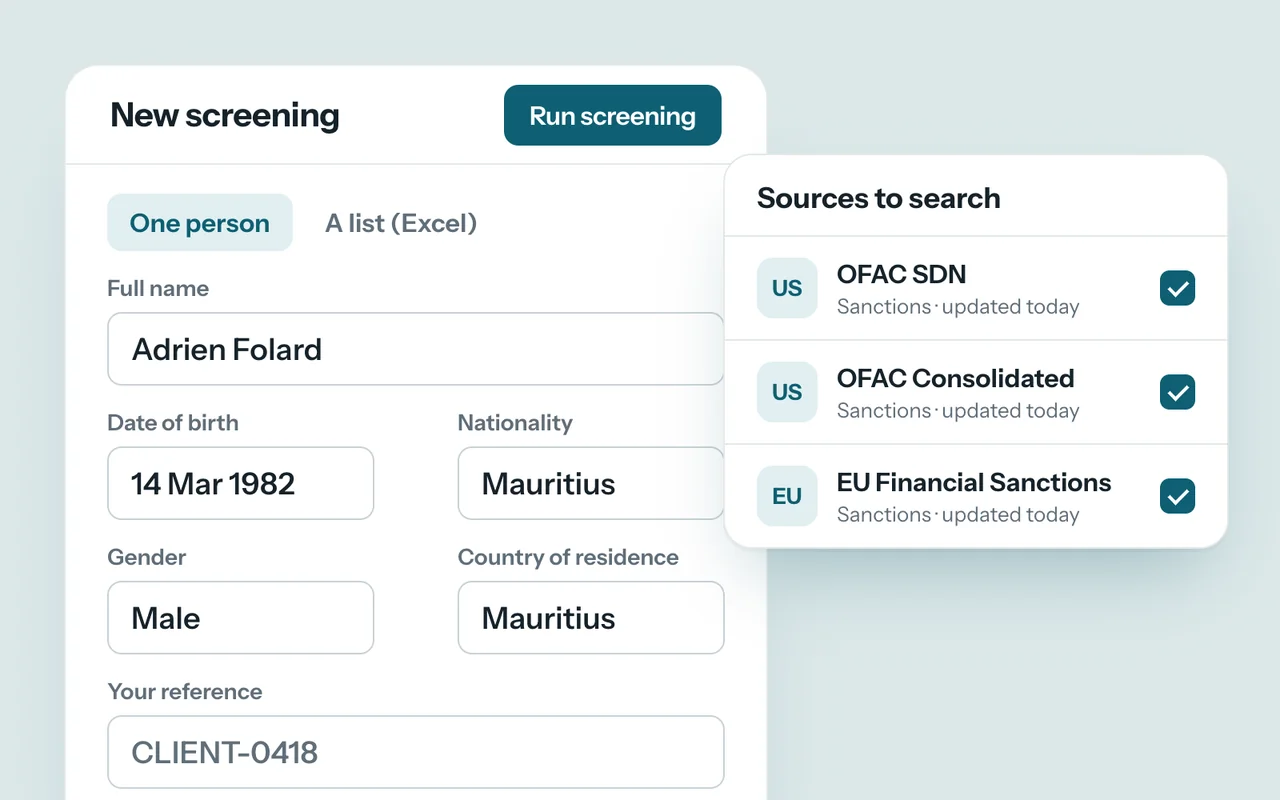
01
A customer to check
A person or a company, typed in or imported from an Excel list.
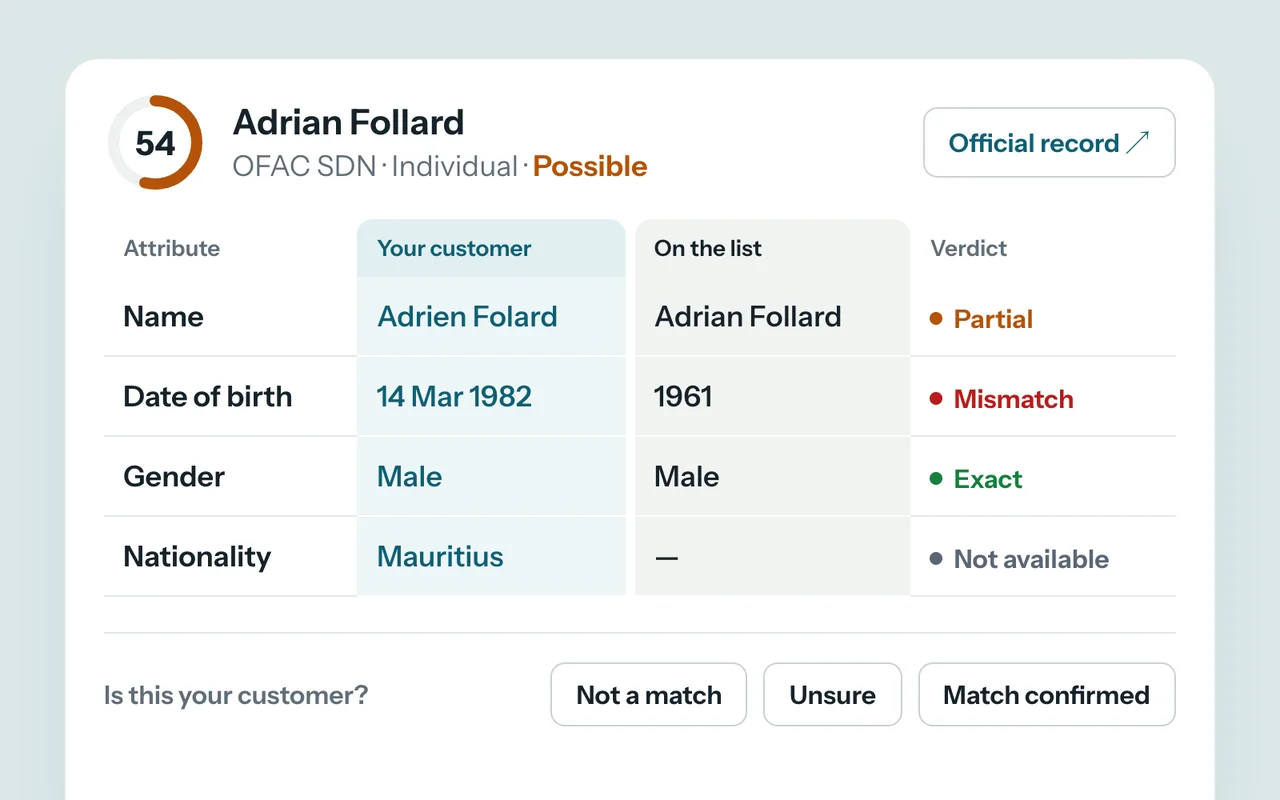
02
Matches, with their evidence
Each record found is compared with your customer, field by field, with an explained score and a link to the official record.
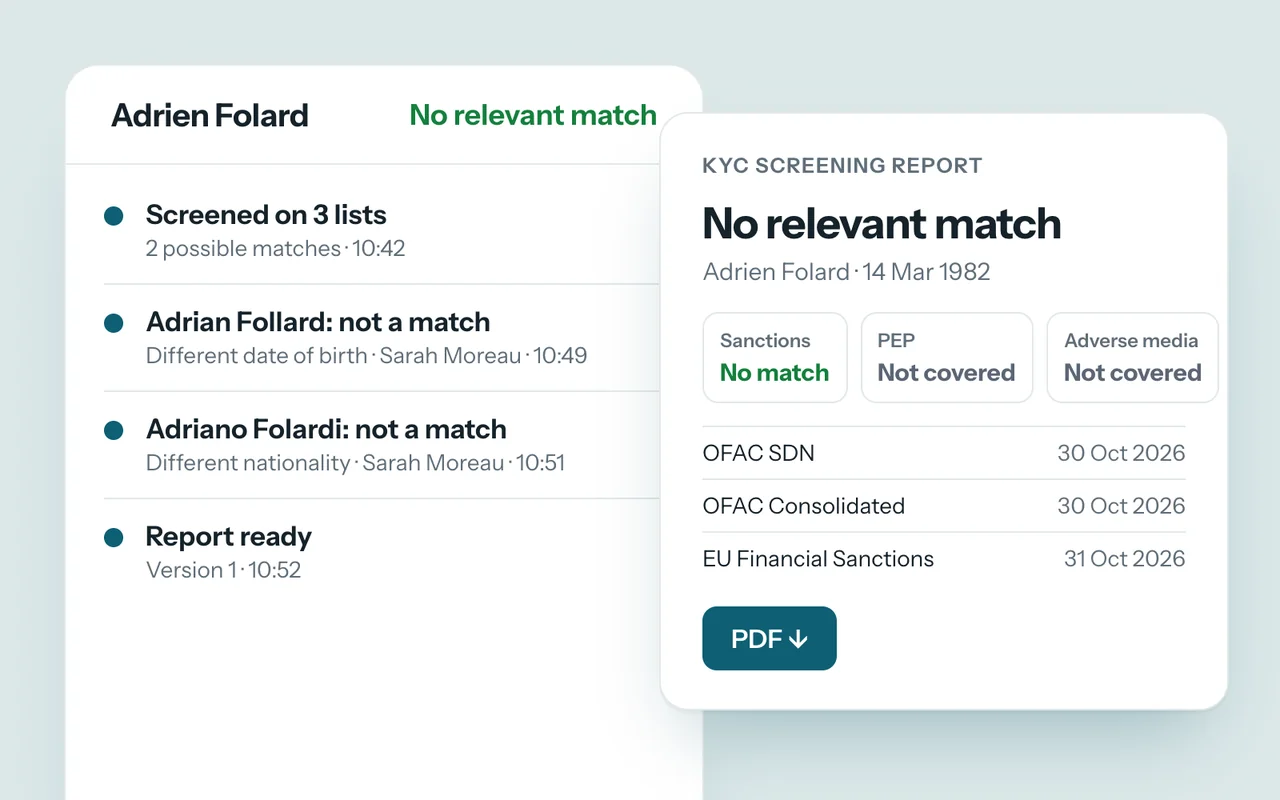
03
Your team decides, the report follows
Every decision is recorded with who made it, and the PDF report keeps the versions of the lists searched.
Who it is for
Management companies and fiduciaries
Check every new customer, person or company, before onboarding.
Banks, insurers and financial services
Screen a list of customers at once and follow the review of every match.
Regulated professions
Notaries, estate agents, accounting and law firms: a documented sanctions check, even for a small team.
Estimate the time saved
The time spent checking your customers.
Enter your own figures: the estimate shows the time spent each month checking customers against sanctions lists, and what you get back by handing the searches, comparisons and report to SK Vision KYC.
New customers and periodic checks, people and companies.
Searching each list, comparing the records and writing up the result.
Your estimate
10ha month to get back
- Today these tasks take 20 hours a month.
- Over a year: 120 hours, about 15 working days of 8 hours.
An estimate from your own figures, not a result measured at a client. The time actually saved depends on how you work and the rules you set.
The calculation runs in your browser: nothing is sent.
Discuss your figuresWhat we set up with you
Your users and their roles, the lists to search, your logo on the application and the reports, and a first screening of your existing customers from an Excel list.
SK Vision KYC helps your team check; it does not replace your compliance officer or your reporting obligations.
Where it stands
Open for pilots
Screening already searches real sanctions lists, and we are looking for the first organisations to try it. The film and screens show fictional people and companies; the interface is in English.
Data & Analytics · Software Engineering & Deployment
Questions
Does the platform decide that someone is sanctioned?
No. It finds and ranks possible matches; someone on your team confirms or dismisses each one, and the decision is recorded. A customer with no record above your review threshold is marked “No relevant match” automatically, and the report says so; you can have a person review those too.
Which lists are searched?
The sanctions lists of OFAC (United States) and the European Union, updated automatically. The United Nations and Mauritian lists are not updated automatically yet, and every report shows which lists were searched and which were not. PEP and adverse media will come from a specialist provider; they are not connected yet.
Is our data kept apart?
Yes. Each organisation has its own data, users and roles, and every decision and change is logged.
Next product
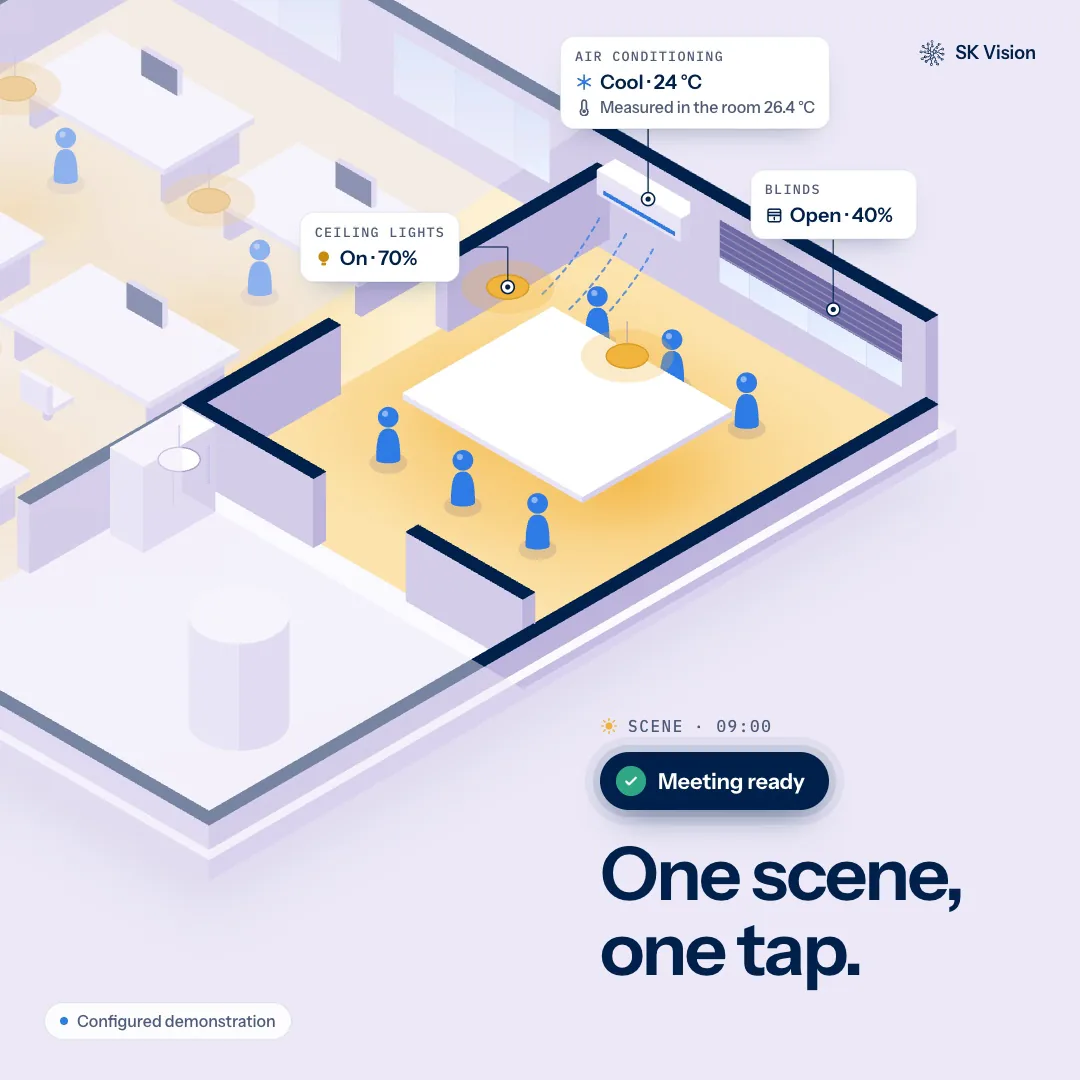
Smart Spaces
Let the building handle the routine.
Contact
Discuss your project.
Tell us about the problem you are facing and the data it lives in. We read every message and reply personally.
Prefer email? contact@skvision.mu