Horizon
Your whole business, at a glance.
Horizon brings your bank, invoices, salaries and expenses into one dashboard. You see where the business stands, what comes in and goes out, and where every figure comes from.
How it works
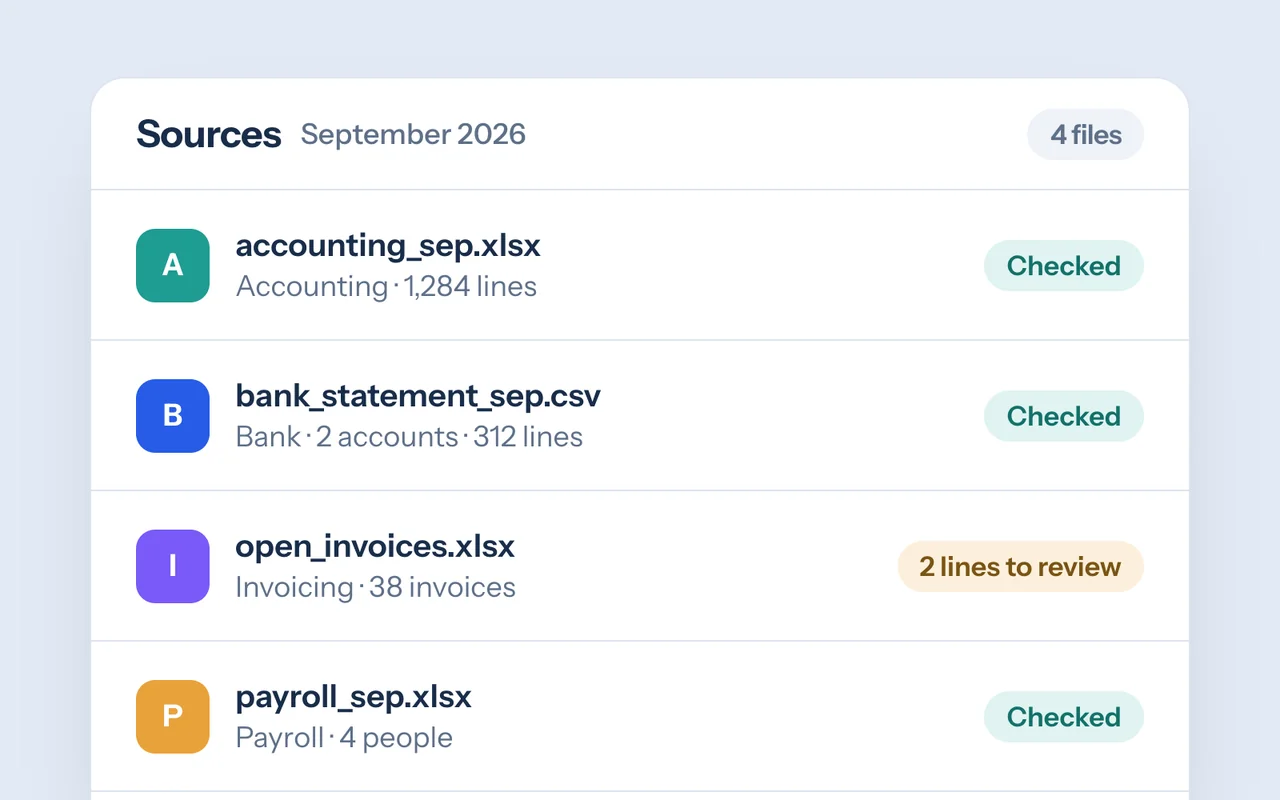
01
Your figures, together
Accounting exports, bank statements and spreadsheets are imported and checked before anything is used.
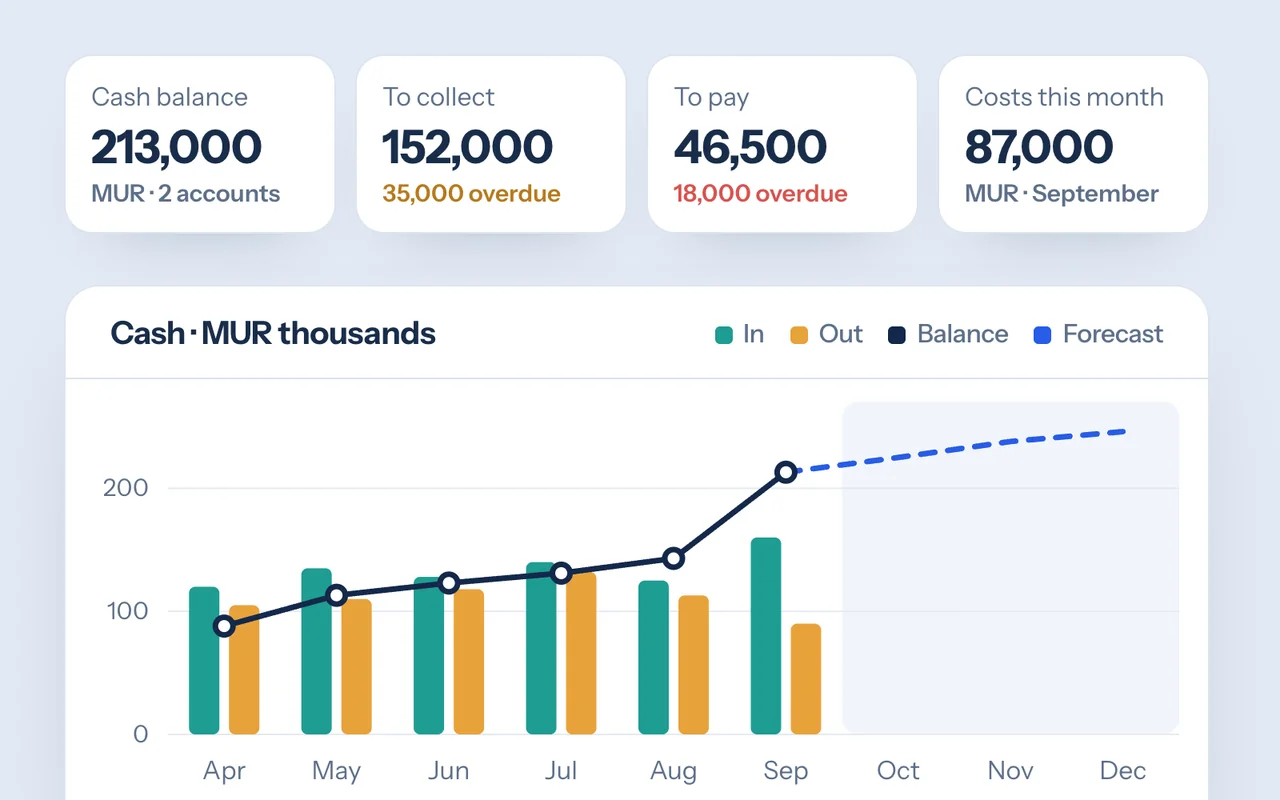
02
The situation, clearly
Four key figures, your cash month by month and the invoices to collect or to pay.
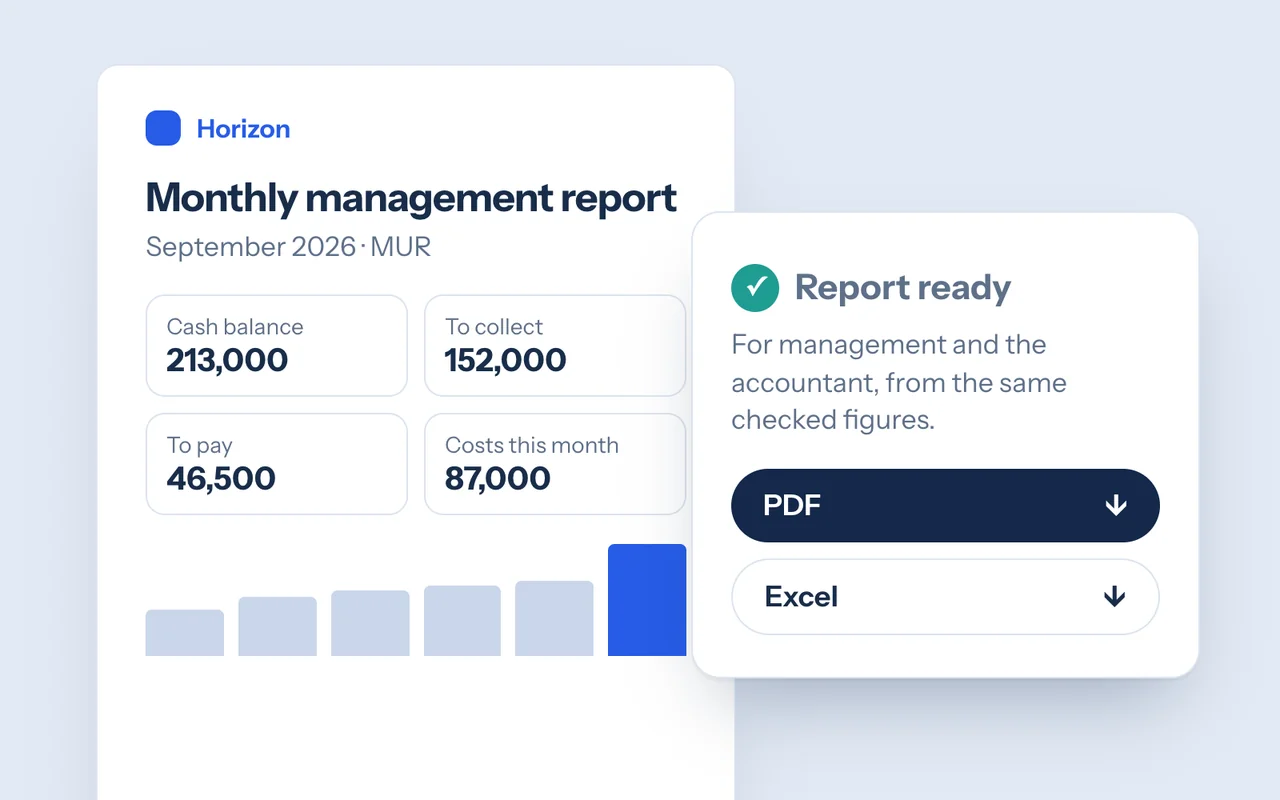
03
The month’s report
A report for management and the accountant, ready in PDF and Excel.
Who it is for
Trading and distribution
Follow purchases, customer payments and cash across several bank accounts.
Service companies
See which clients pay late and what next month’s payroll leaves in the bank.
Owners of growing businesses
A clear picture every month, without rebuilding the same spreadsheet.
Estimate the time saved
The time spent preparing your figures.
Enter your own figures: the estimate shows the time spent each month gathering data and preparing the report, and what you get back by handing part of it to Horizon.
Management, accounting, an assistant: everyone who gathers or checks them.
Exports, bank reconciliations, spreadsheets, formatting the report.
Your estimate
8ha month to get back
- Today these tasks take 16 hours a month.
- Over a year: 96 hours, about 12 working days of 8 hours.
An estimate from your own figures, not a result measured at a client. The time actually saved depends on how you work and the rules you set.
The calculation runs in your browser: nothing is sent.
Discuss your figuresWhat we set up with you
Exports from your accounting or invoicing software, or your spreadsheets to start with, your chart of accounts and fiscal calendar, and who sees which figures.
Horizon does not replace your accounting or invoicing software: official invoicing and bookkeeping stay where they are.
Where it stands
Available
Available now. The film and screens use a fictional company and its figures.
Data & Analytics · Systems Integration
Questions
Does Horizon replace my accounting software?
No. Horizon reads your figures; invoicing and bookkeeping stay in the tools you already use.
Where do the figures come from?
From your accounting exports, bank statements and spreadsheets. Every amount can be traced back to its source.
Can it forecast?
A light forecast based on recent months, which you can adjust. Estimates are always shown apart from actual figures.
Next product
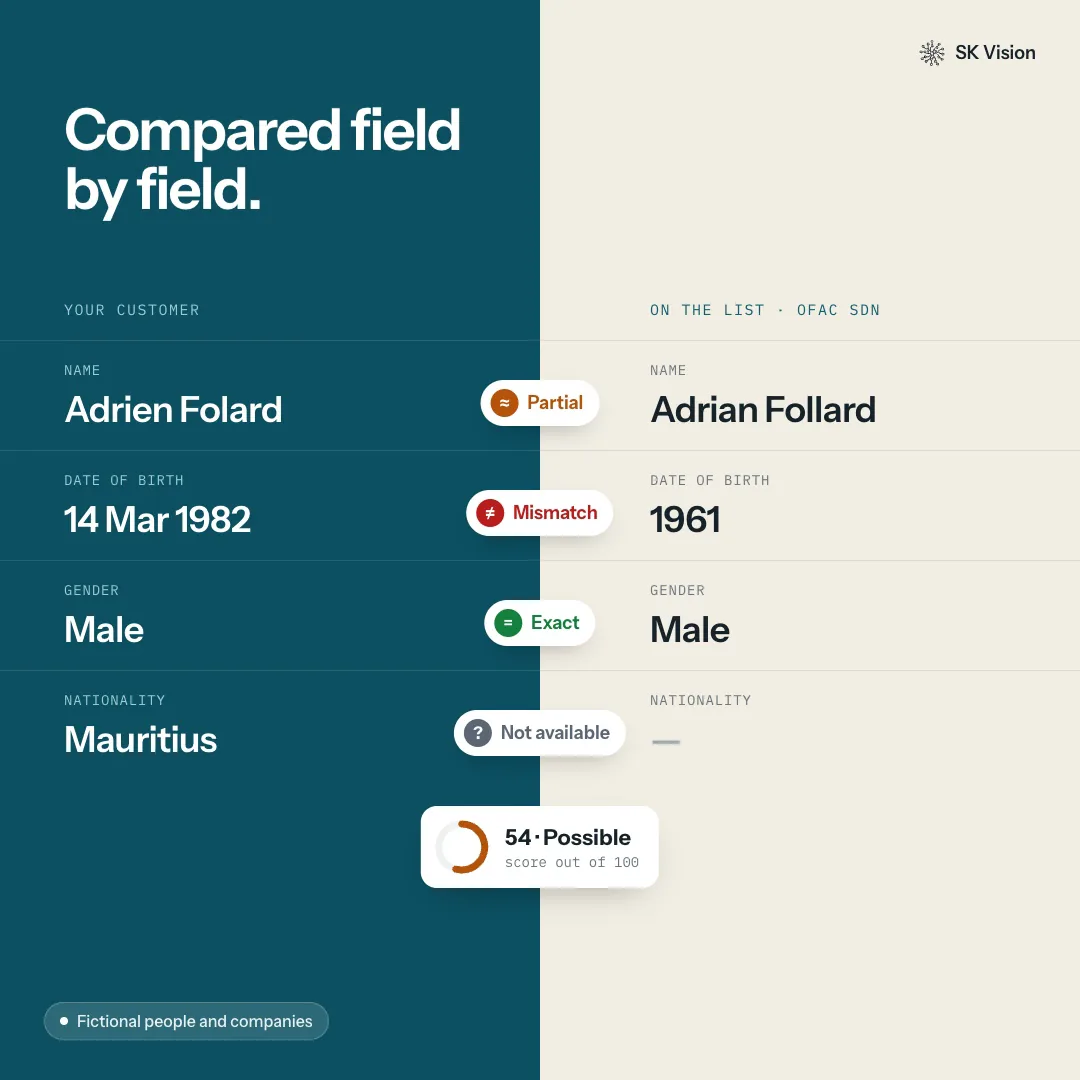
SK Vision KYC
Screen your customers against official lists.
Contact
Discuss your project.
Tell us about the problem you are facing and the data it lives in. We read every message and reply personally.
Prefer email? contact@skvision.mu